




Apple iMac G5 — Part 5
Previous:
Still looking for a modern Operating System that would run on this old iMac G5.
Arch Linux is a popular Linux distribution, but Arch Linux doesn’t officially support the PowerPC architecture. But some people did port it to that architecture: Arch POWER.
Arch POWER
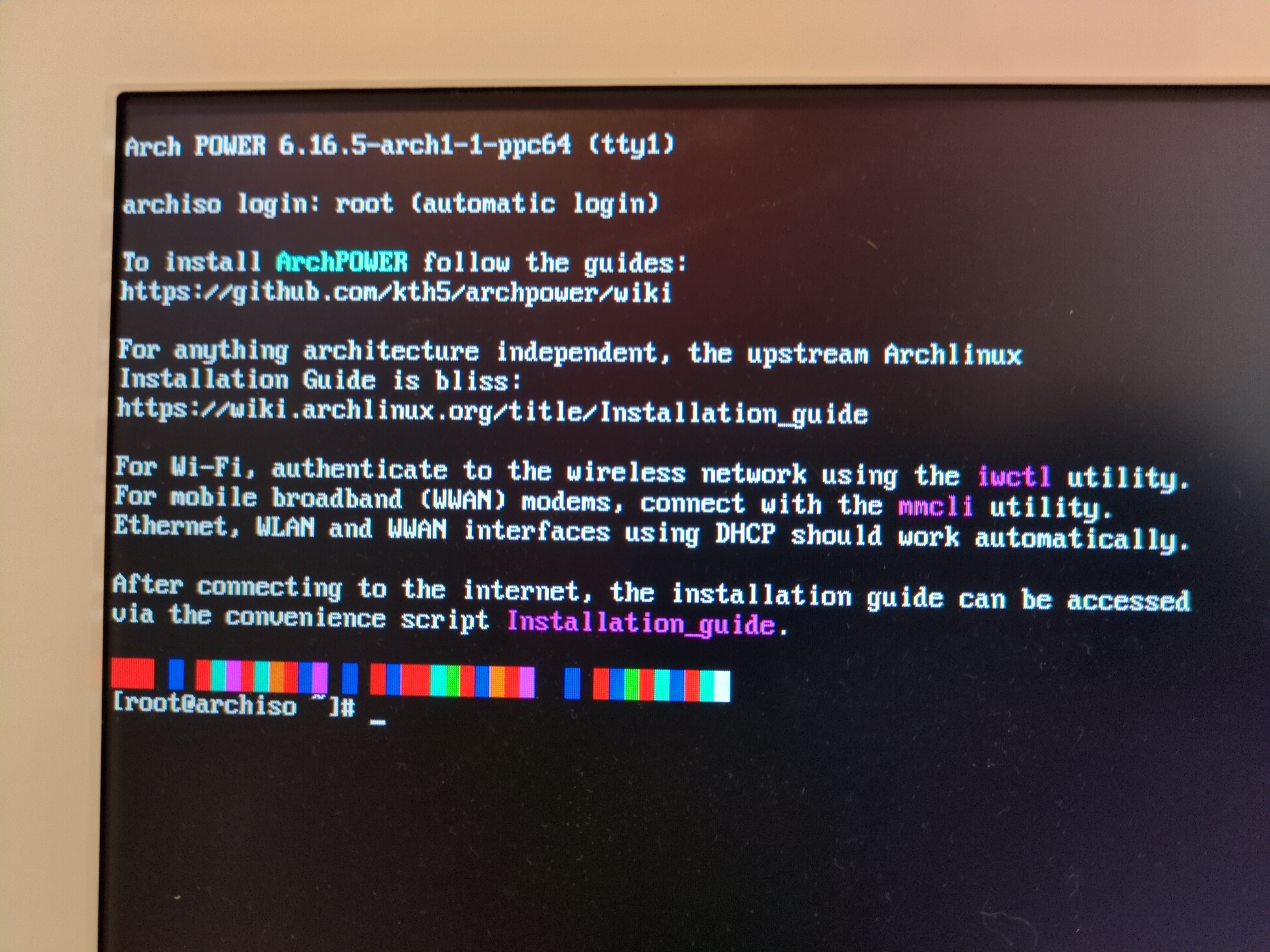
Burn the powerpc64 ISO image on a USB flash drive then boot it from Open Firmware with: boot ud:,\\grub.elf.
When grub asks which version, don’t select the one with the serial console; otherwise the screen will turn off.
The installation process is somewhat similar to the Gentoo one.
Prepare the hard drive
Create the partitions:
mac-fdisk /dev/sda
i → y (reinit) # reinit the disk partitions and create the map partition as 1st partition
C → 64 → 32M → bootstrap → Apple_Bootstrap # creates a 32 MB bootstrap partition
c → 3p → 5G → swap # creates a 3rd partition for 5 GB of swap
c → 4p → 4p → root # use the rest of the disk for the root partition
w → y # write the changes
q # quit
Format them:
mkswap /dev/sda3 # format swap partition
mkfs.ext4 /dev/sda4 # format root partition
# format the bootstrap partition and set specific attributes
hformat -l bootstrap /dev/sda2 # format bootstrap partition
hmount /dev/sda2
hattrib -t tbxi :grub
hattrib -b :
humount
Install base system
Install the linux kernel and base system:
swapon /dev/sda3 # activate swap partition
mount /dev/sda4 /mnt # mount root partition
pacstrap /mnt/ base linux linux-ppc64 linux-firmware grub hfsutils
Install grub:
mkdir /mnt/boot/grub
mount /dev/sda2 /mnt/boot/grub
genfstab -U /mnt > /mnt/etc/fstab
arch-chroot /mnt
grub-mkconfig -o /boot/grub/grub.cfg
grub-install
Configure timezone, locale, hostname and root password:
ln -sf /usr/share/zoneinfo/UTC /etc/localtime
hwclock --systohc
nano /etc/locale.gen
locale-gen
#echo "LANG=en_US.UTF-8" > /etc/locale.conf
echo "imacg5" > /etc/hostname
passwd
Install extra software:
pacman -Syu
pacman -S sudo nano less htop networkmanager accountsservice xorg xf86-video-ati lightdm lightdm-gtk-greeter xfce4 firefox
systemctl enable NetworkManager
systemctl enable lightdm
groupadd sudo
echo "%sudo ALL=(ALL:ALL) ALL" > /etc/sudoers.d/sudo-group
useradd -m -G sudo -s /usr/bin/bash username
Now the system is ready to reboot (remove the USB drive)… and success!
Usage
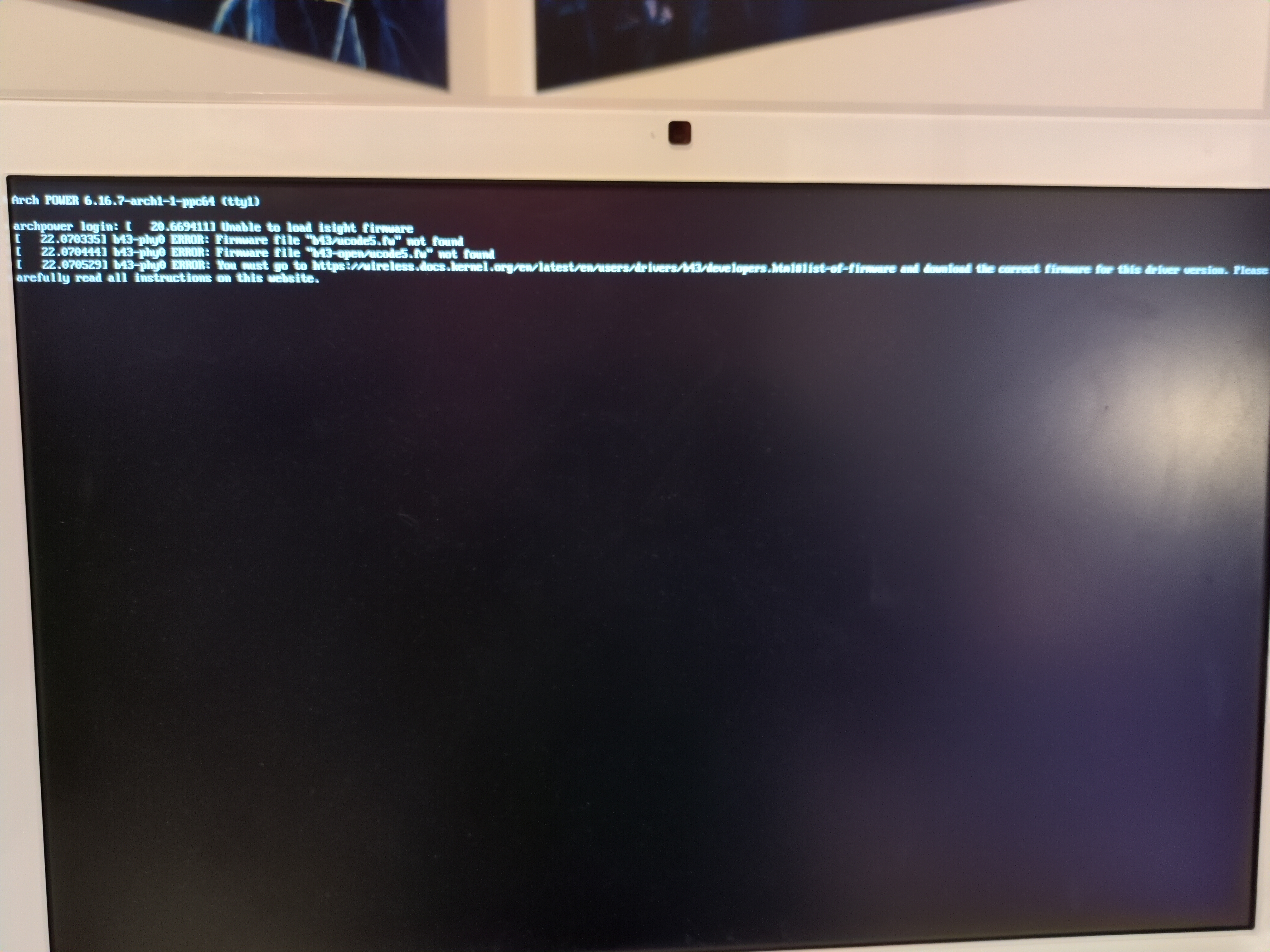
During boot, I can see several firmwares failed to load like the iSight camera, radeon r300 graphics card and Wi-Fi card. But it works fine otherwise.
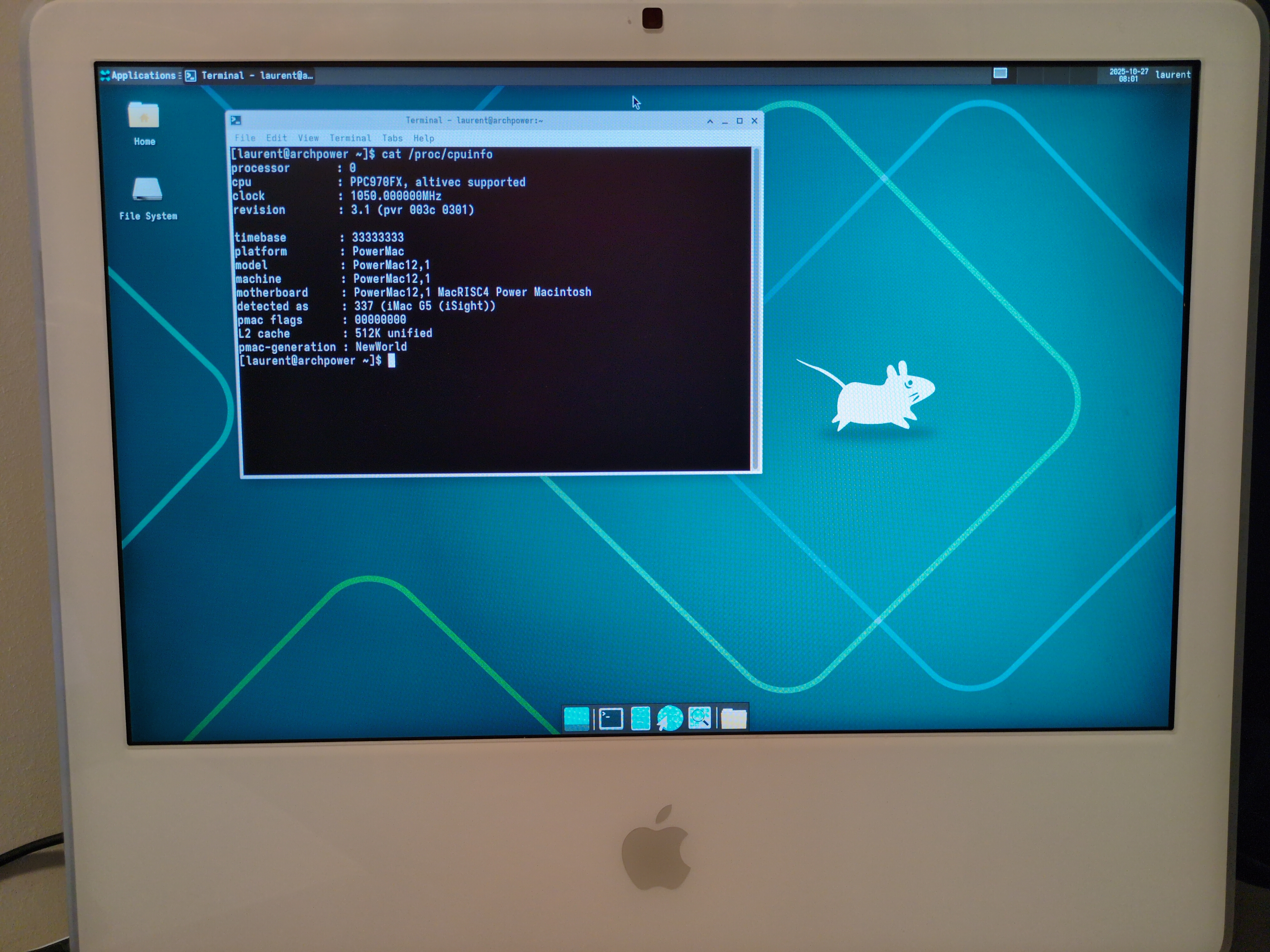
The number of applications available seems quite limited. Most of the applications I wanted to install are not available.
Also note that in this installation, the hard drive is not encrypted.
Performances
For the graphics part, it is still running X.org and not Wayland.
glxgears from the mesa-utils package renders at 60 frames per second and glxinfo shows that direct rendering is supported.
vulkaninfo from the vulkan-tools package shows that vulkan is not supported.
So:
At least OpenGL works.
Network:
- Ethernet: I measured it at ~50 MB/s, so about half of the Gigabit ethernet speed. The CPU was the bottleneck here (running at 100 %).
- Wi-Fi: I haven’t tested it yet (the Wi-Fi and Bluetooth card may not be supported anyway).
Disk: the SSD is working fine, dd shows a writing speed of 103 MB/s.
Web
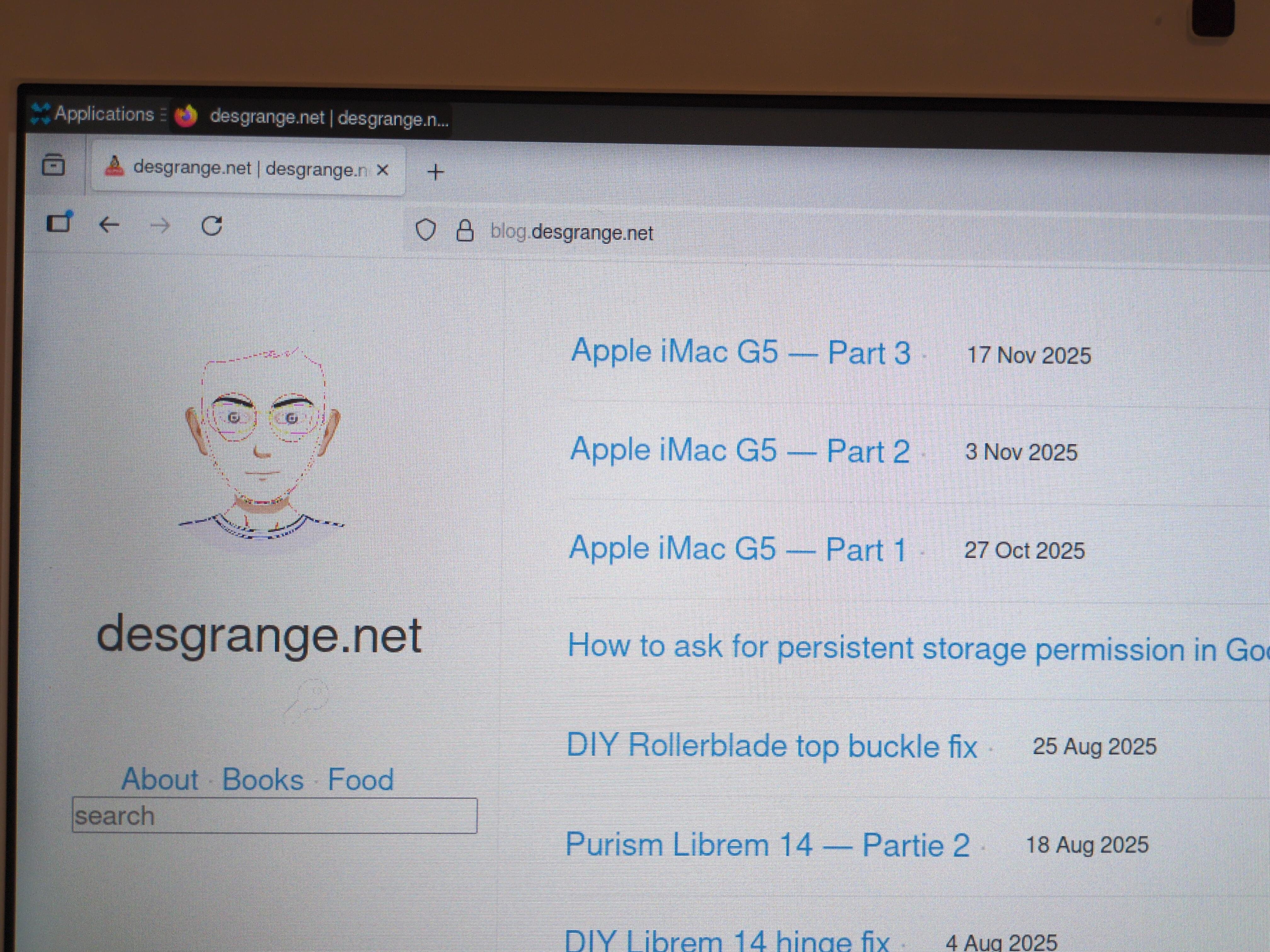
I was quite surprised to see that firefox is available given that they dropped that architecture a while ago. I gave it a try, it’s a bit slow to start, but issues arise quite quickly:
- there’s an obvious color rendering issue
- it’s painfully slow (even my blog, which is quite lightweight, needs several seconds to load)
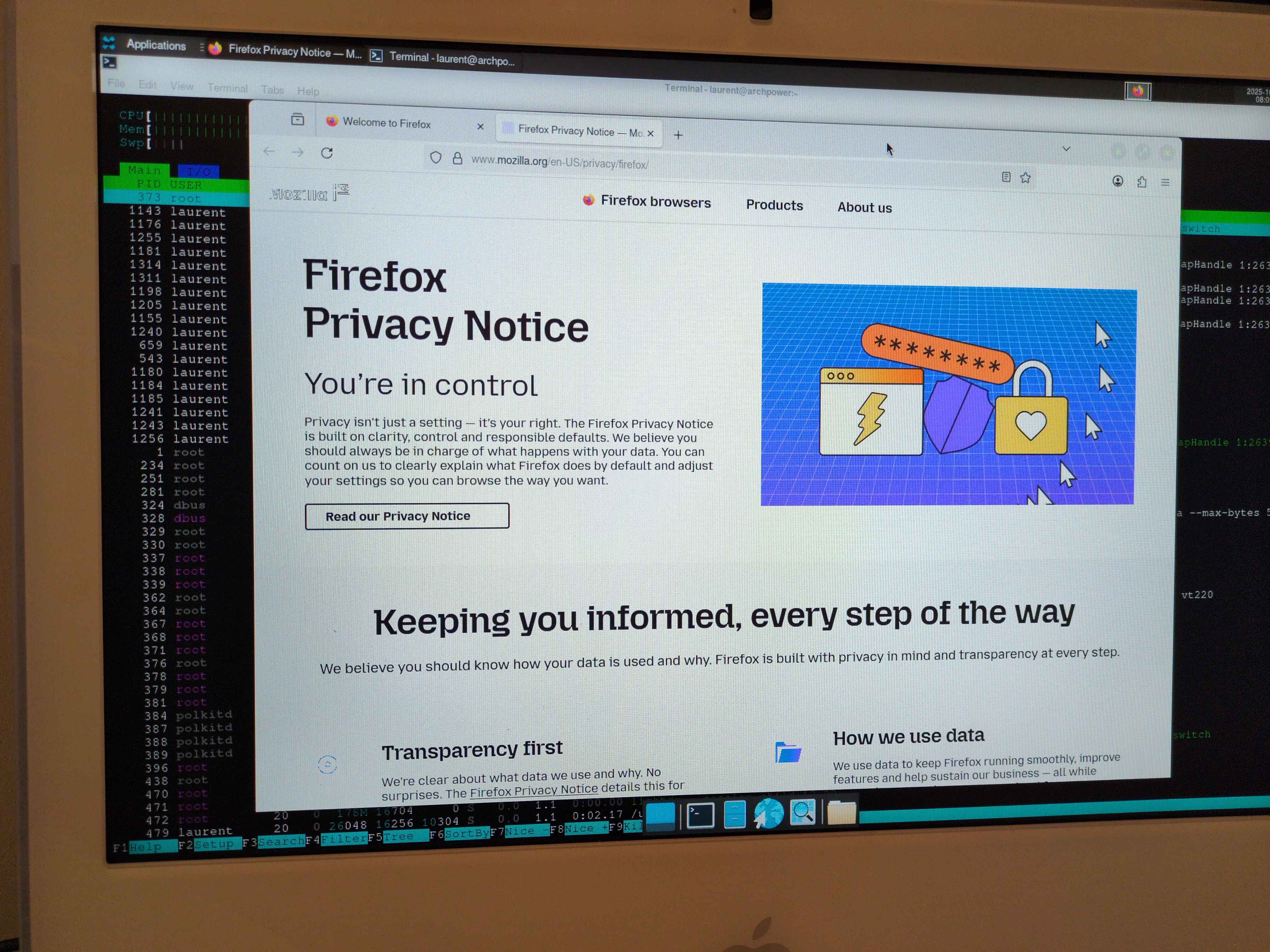
Webkit-based web browsers (like Epiphany) crash before finishing loading the first page.
There are other web browsers available, but they seem to be stuck in the 90s.
Conclusion
First time trying Arch Linux, it offers a lot of choices to the users, and you have to choose everything yourself; there isn’t a recommended installation. I can understand why, I would have probably liked that when I was younger, but not anymore.
Anyway, this Arch POWER on that computer could probably work has a server, but not as a desktop computer. And given the form factor of the iMac, I would very much prefer to use it as a desktop computer.
Next:







 Comments
Add one by emailing me.
Comments
Add one by emailing me.